
The VitaDock+ app does not allow to enter your data manually.
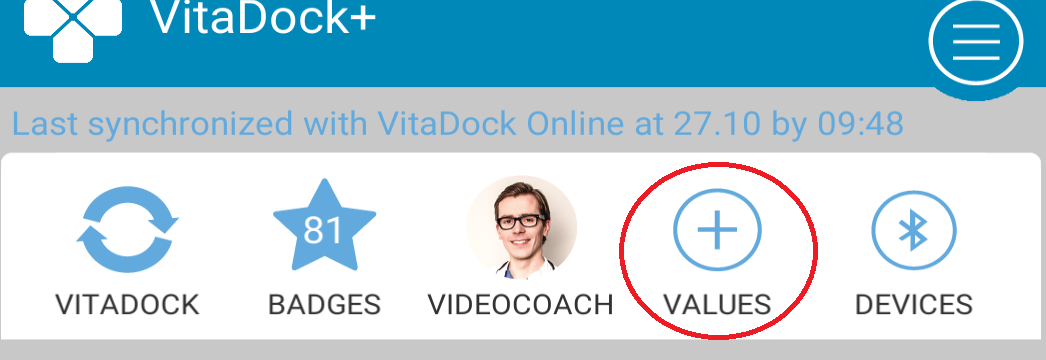
Starting with version 2.4 of the app you can, partly, enter data manually. To do this open the app and press the "+" symbol above "values".
Then you can select the module for which you want to manually add data. The wizard will then take you through the fields, finally confirm by pressing "OK" and the data will be added to the module.
Comments