
You can export your data in CSV format via VitaDock Online.
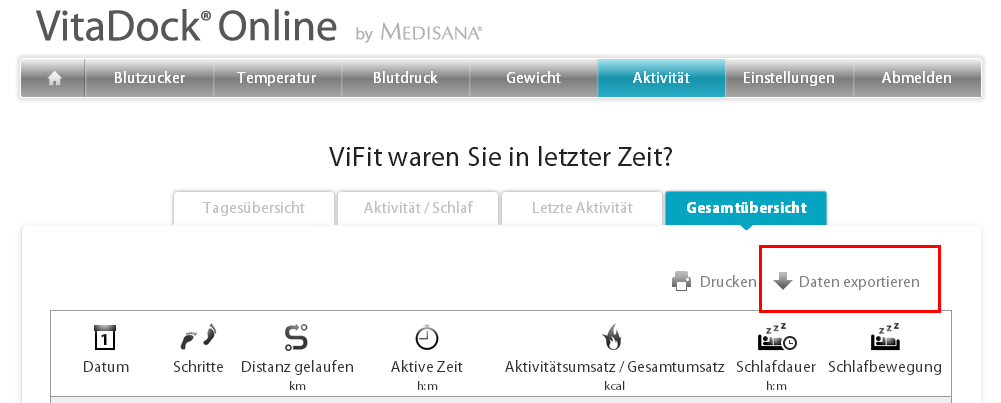
- Login with your account into VitaDock Online.
- Select the field of data you want to export it (eg, "activity").
- Then select "Summary".
- In the view panel, click the top right "Export data" and save the CSV file.
VitaDock+ App currently offers no function to export your data.
Comments